| Version 7 (modified by , 18 years ago) ( diff ) |
|---|
Guide creation of a supplier distributor
1. Introduction
 : add a new supplier.
 : delete a supplier.
 : select a supplier to view or modify data.
The paper offers a supplier "distributor" is represented in the form of a catalogue of stock.
2. Creating a distributor
2.1 Access to the management of distributors
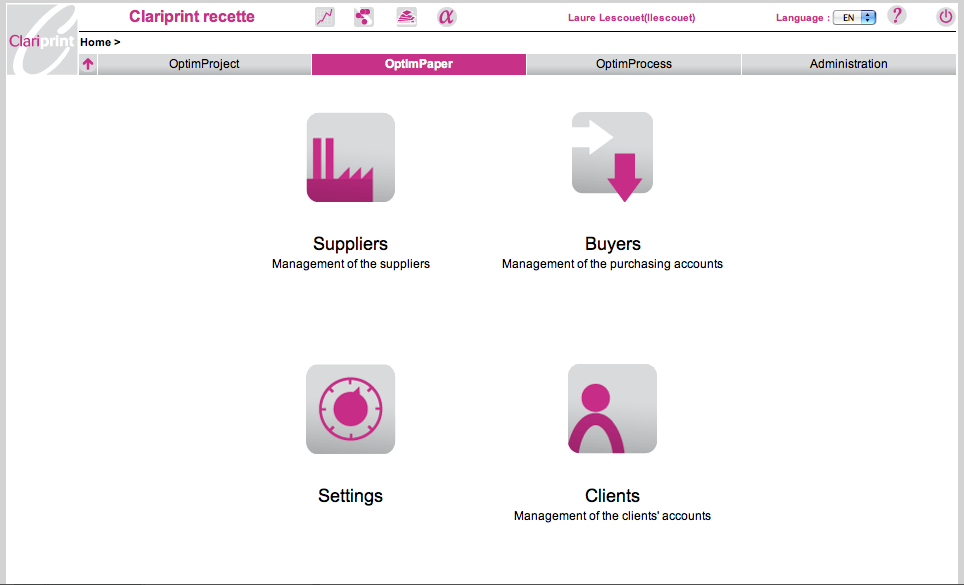
Access to the management of distributors via the menu "Suppliers" and "pop-up menu Distributors."
Menu:
Menu distributors:
2.2 Creating a distributor
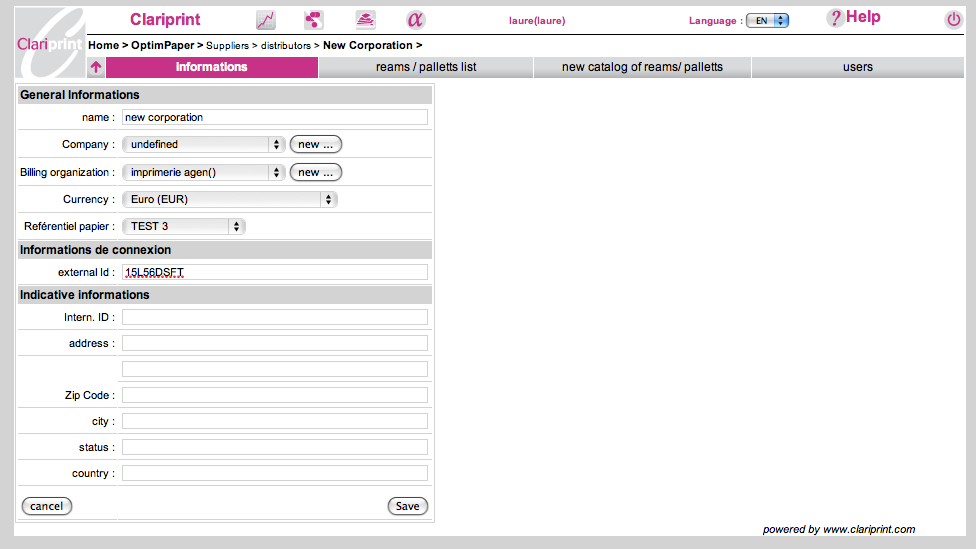
Click on
XlImage(creationdistributeurs.png)
- Information obligatoire : Nom (raison sociale du distributeur)
- Information complémentaire:
- identificateur_externe : identifiant unique représentant le distributeur lors des échanges inter-application. Ce code doit comporter uniquement des chiffres et des lettres, et doit être unique.
Création d'un catalogue stock
3.1 Accès
Menu "nouveau catalogue stock"
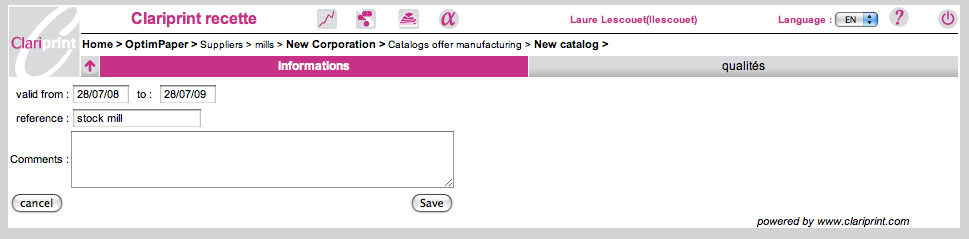
3.2 Création d'un catalogue
Cliquer sur http://demo.clariprint.fr/img/plus.gif
- Informations de création: dates de validité
- Référence du catalogue
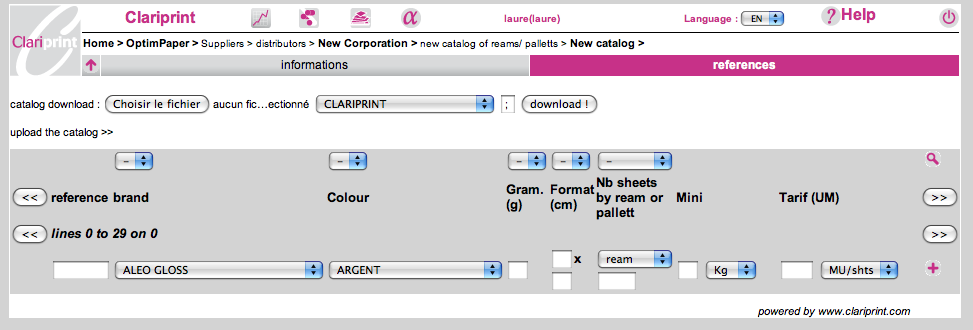
3.3 Création d'une référence
XlImage(creationreference.png)
Importer un fichier au format. CSV à partir d'un fichier Excel en provenance de:
- Inapa
- Papeteries de France
- Malmeynade
- Axelium
- Antalis
- Torras
Comment obtenir un fichier CSV à partir d'un fichier Excel?
See also
Attachments (6)
- suppliers.png (48.2 KB ) - added by 18 years ago.
- creationdistirb.png (56.4 KB ) - added by 18 years ago.
- nveaucatalogue.png (34.7 KB ) - added by 18 years ago.
- creationcatalogue.png (30.9 KB ) - added by 18 years ago.
- creationref.png (53.2 KB ) - added by 18 years ago.
- distributor_list.png (27.1 KB ) - added by 18 years ago.
Download all attachments as: .zip
Note:
See TracWiki
for help on using the wiki.